 Product
Pro 5: custom YouTube intros made from your channel
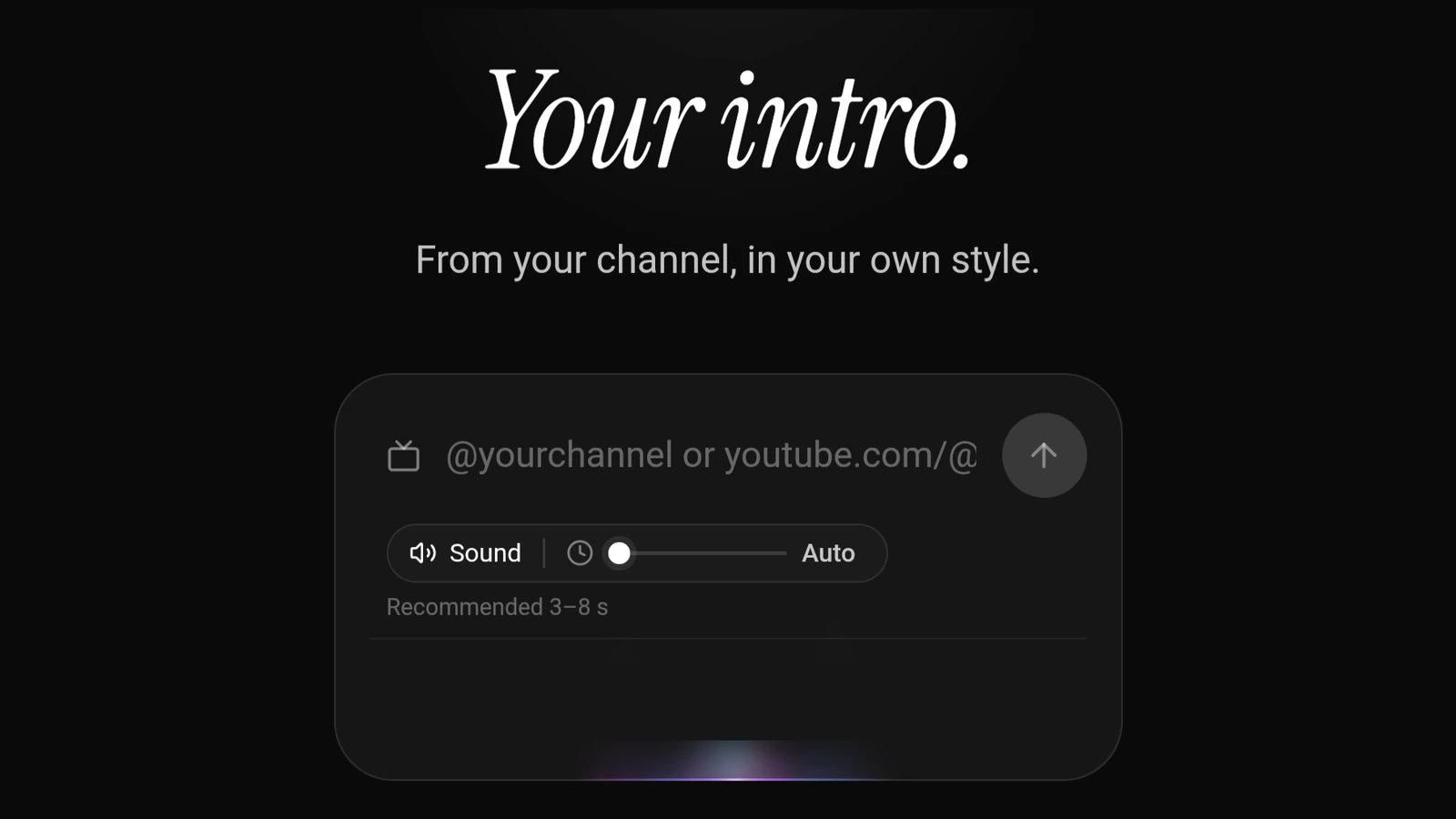
Pro 5 reads your YouTube channel and directs up to three custom intros in real 3D, in your own colours and style. It is almost ready: what it does, and why.
 Guide
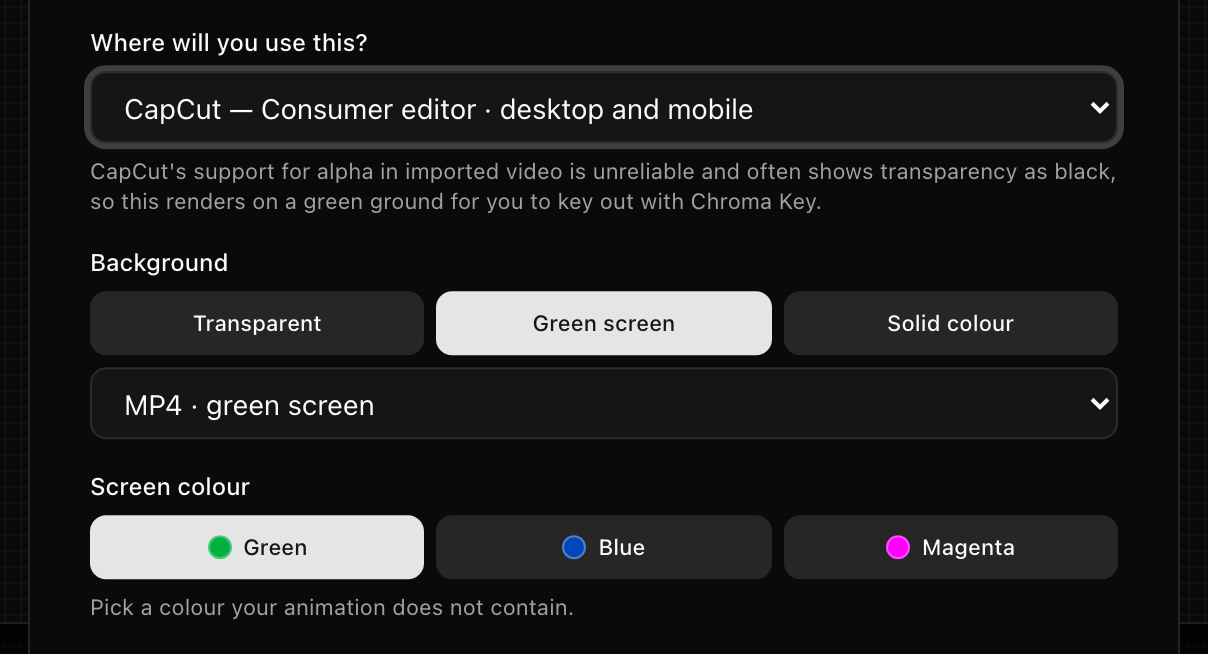
GuideHow to add an animated overlay in CapCut
Getting a subscribe button or any animated graphic onto a CapCut edit: the file to export, the Overlay track, and the Chroma key setting that clears the green.
 Guide
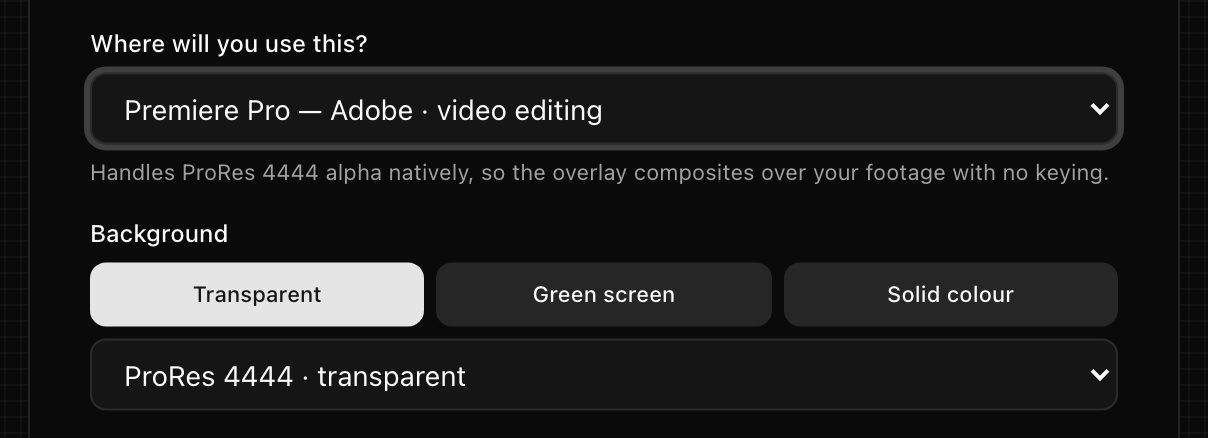
GuideHow to add a transparent overlay in Premiere Pro
The file Premiere Pro reads with its transparency intact, where it goes on the timeline, and the settings to check when it arrives black or with a halo.
 Guide
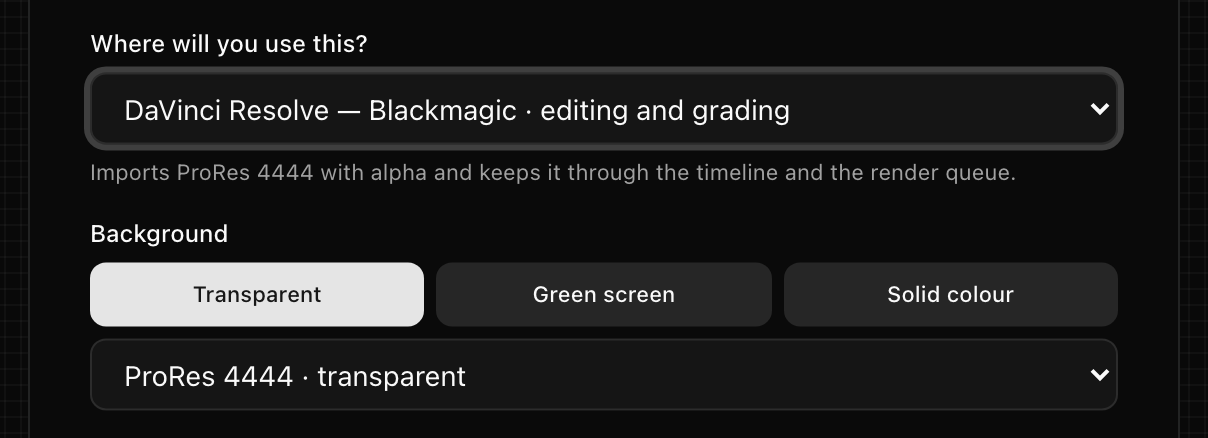
GuideHow to add a transparent overlay in DaVinci Resolve
Which export DaVinci Resolve keeps transparent, how to lay it over your footage on the Edit page, and the Alpha Mode setting that fixes a black background.
 Guide
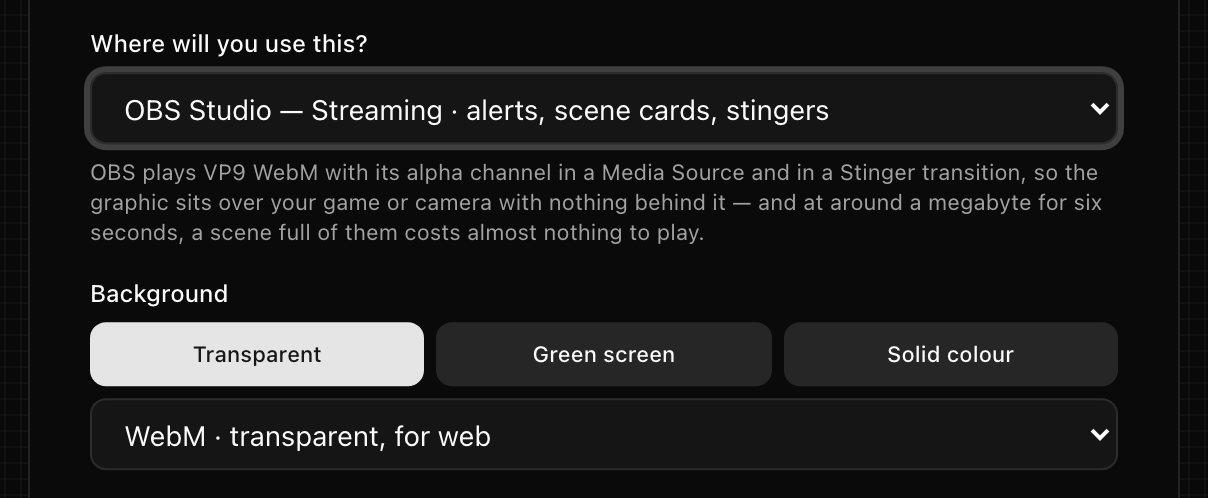
GuideHow to add a transparent animation to OBS Studio
The WebM file OBS plays with its transparency intact, the Media Source settings that make it play on cue, and how the same file becomes a stinger transition.
 Product
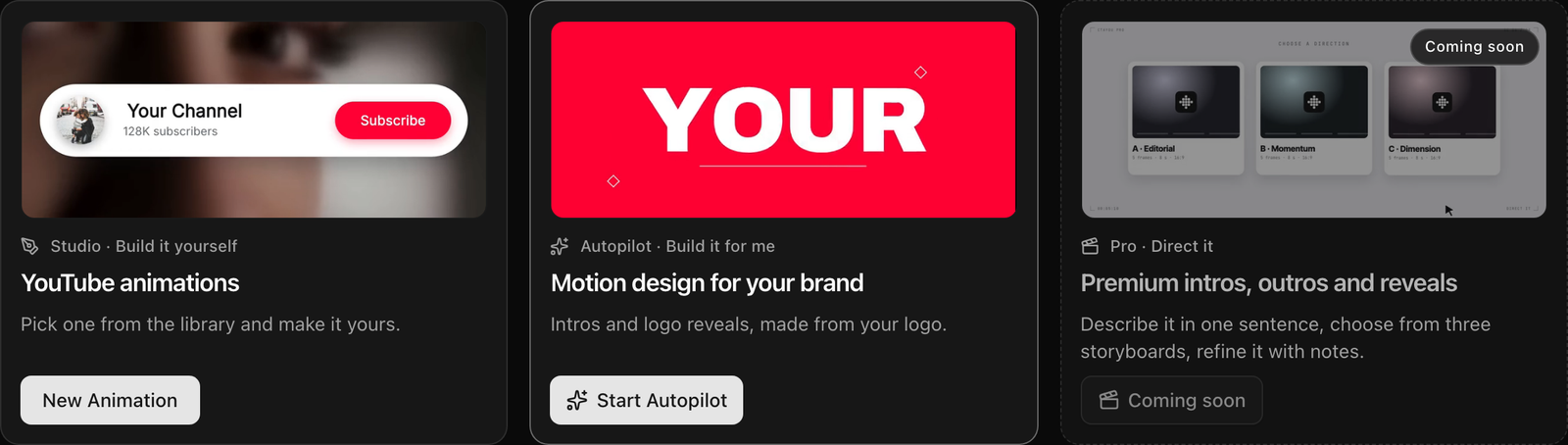
Autopilot: motion design made from your logo
Autopilot reads your logo, colours and channel, then makes three intro films from a library of motion blocks. Each one opens in Studio as an ordinary project.
 Product
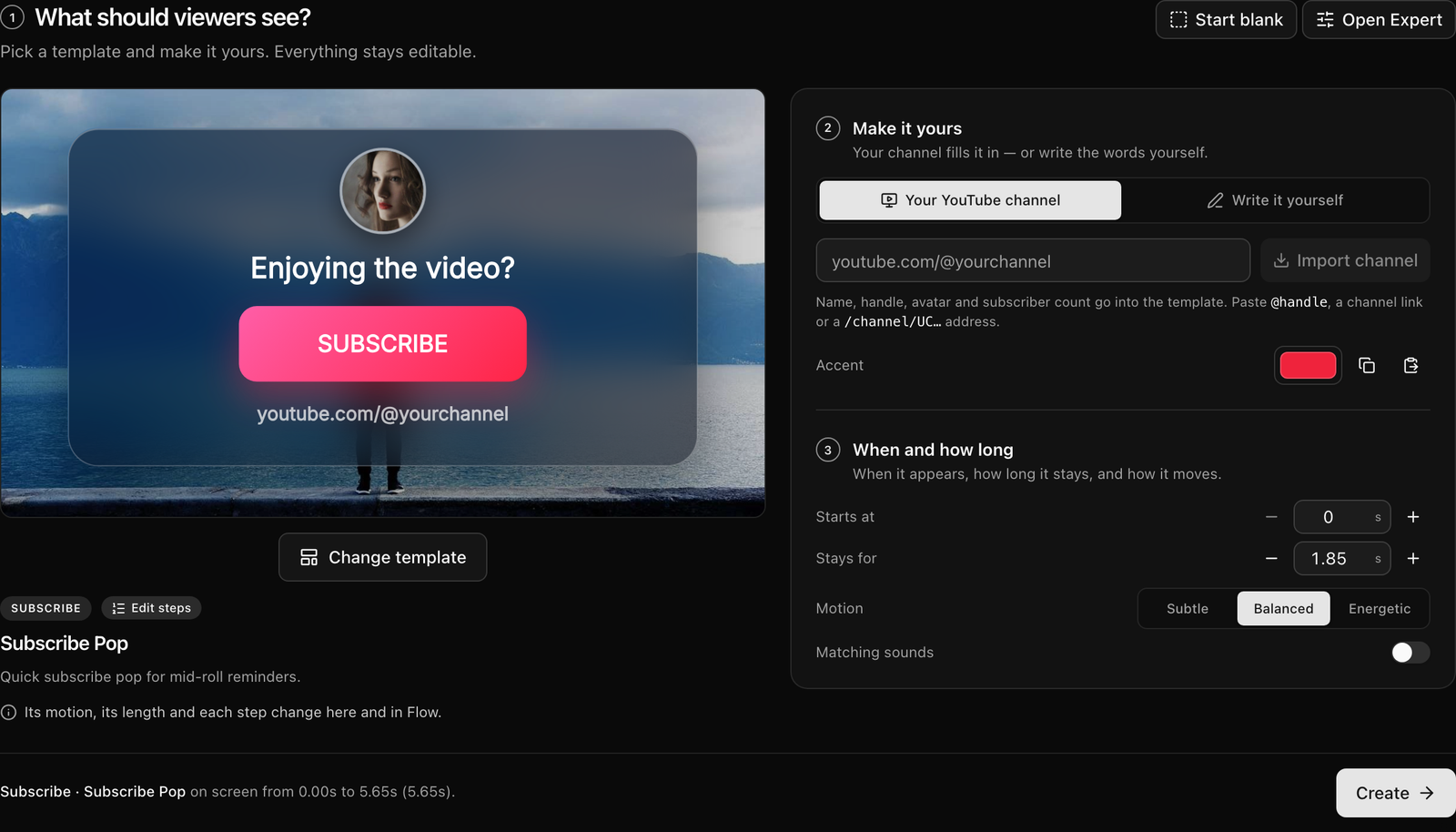
Simple: start with what viewers should see
A new animation starts on the projects page now: pick what viewers should see, make it yours with your channel, set when and how long, and press Create.
 Product
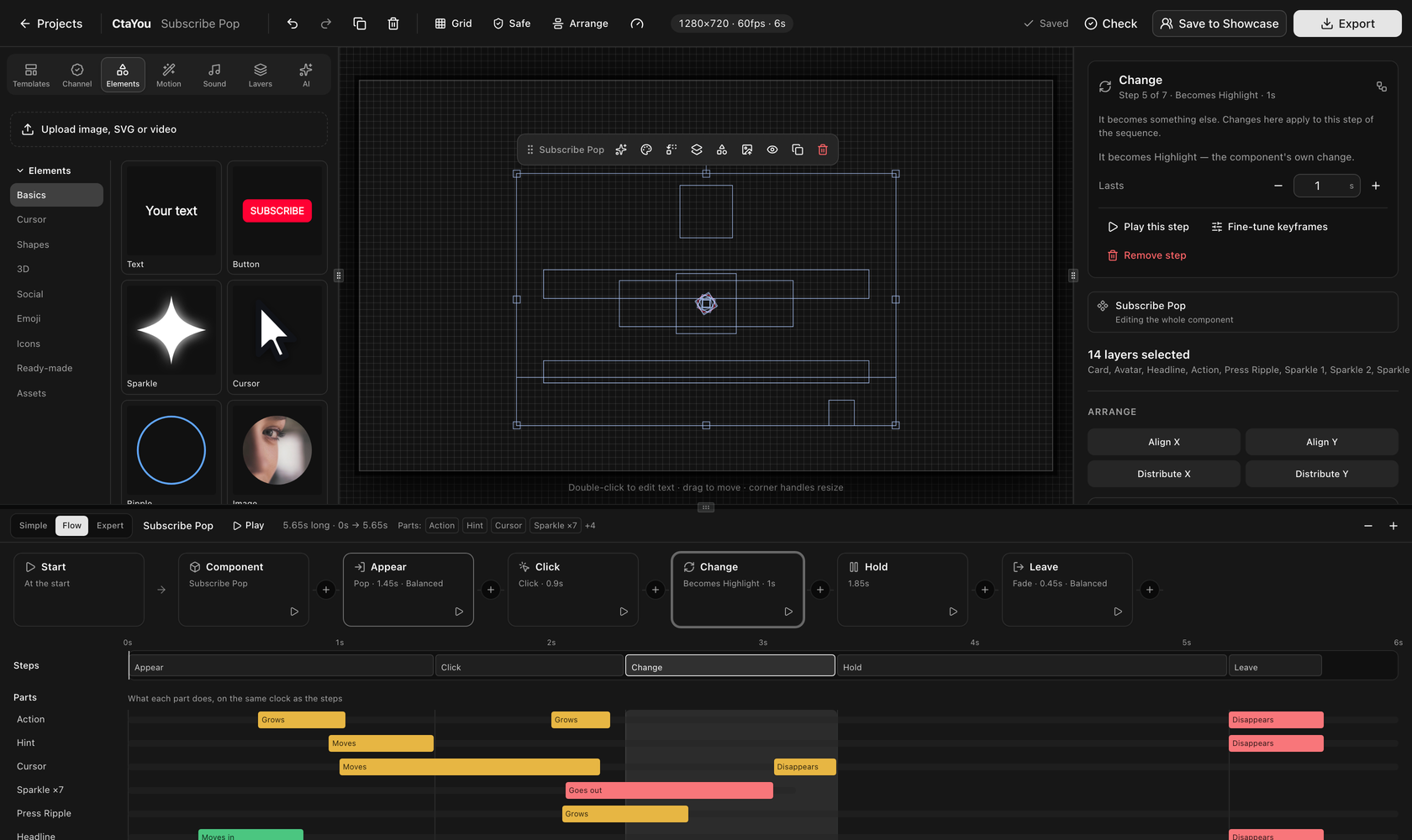
Flow: a component's steps, in a row
Flow shows a component's motion as steps you can read and rearrange: appear, hold, click, change, leave. The keyframes stay underneath, and nothing is lost.
 Product
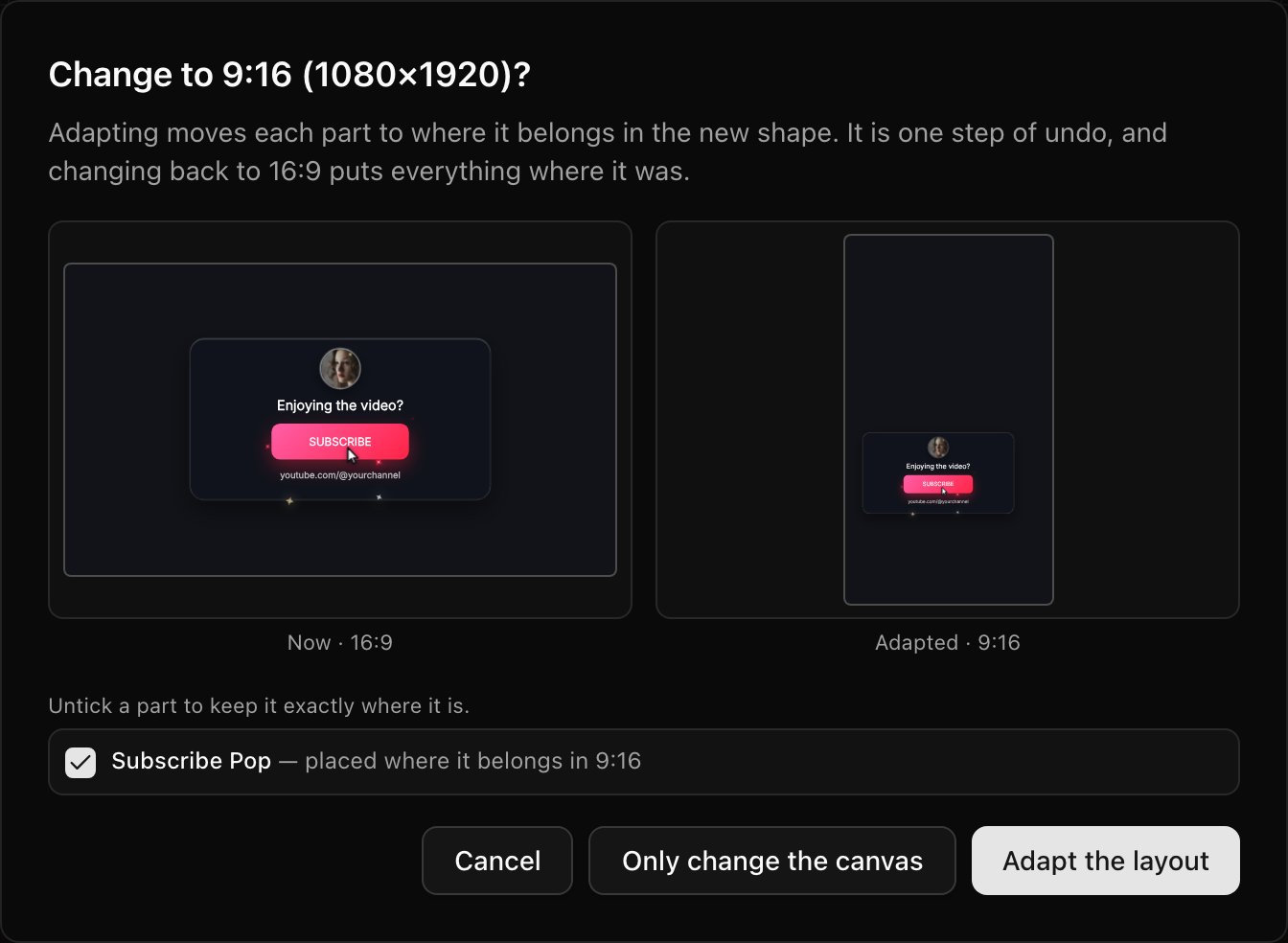
Your brand, and every format from one design
Save your channel's name, logo, colours, fonts and motion once and use them on any project. Switch to 9:16 or 1:1 and each part moves to where it belongs.
 Product
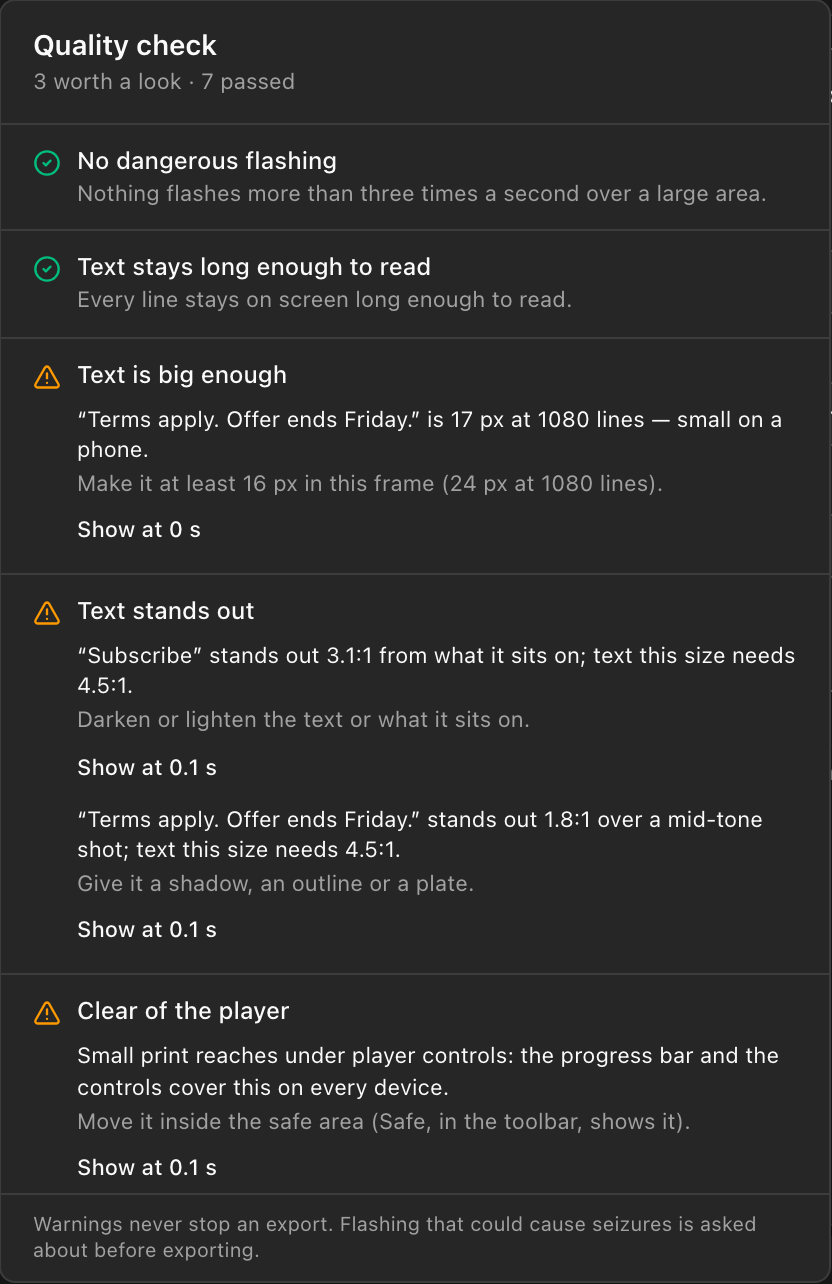
A quality check that runs beside the editor
Eleven checks run while you work: flashing, text too small or too brief to read, contrast, the player's controls and subtitles, jolts, clipping sound.
 Product
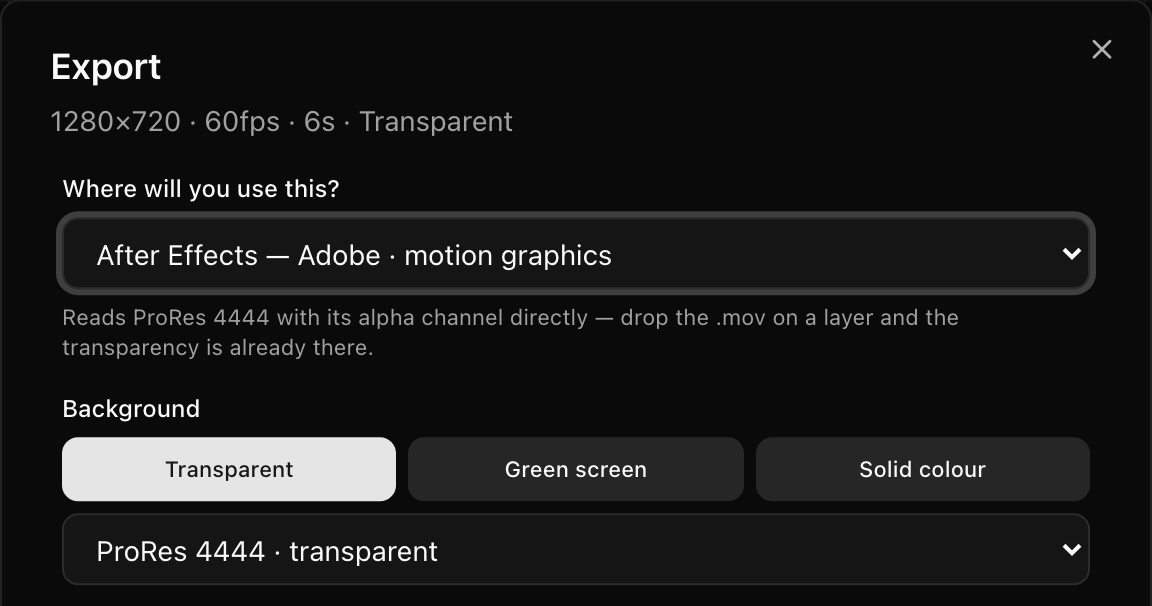
Exports keep their colour and their sound
Cloud exports in H.264 and ProRes are converted to BT.709 and tagged, so brand colours land within 3/255. Looped exports keep sound for their whole length.
 Product
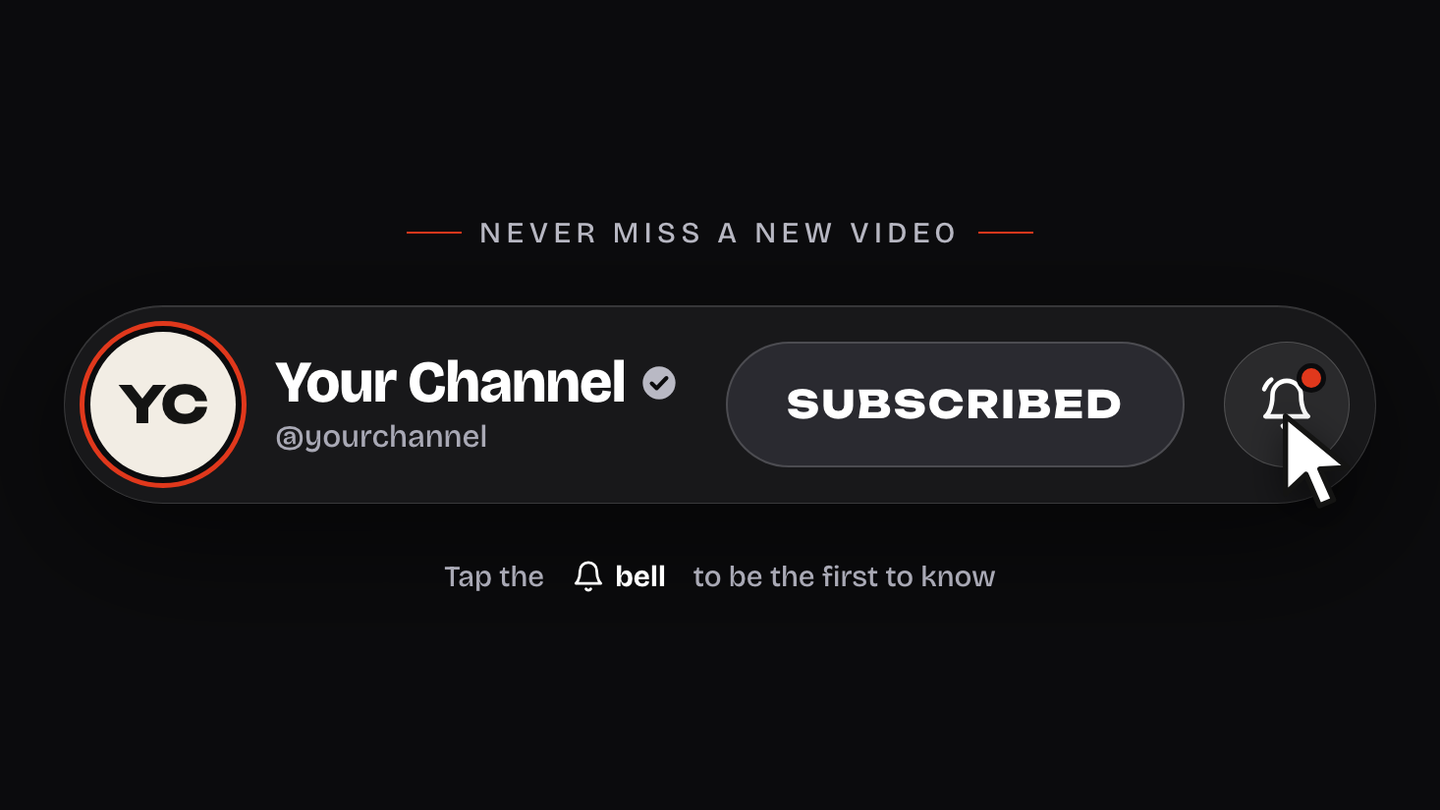
Subscribe Banner: a channel bar with a bell
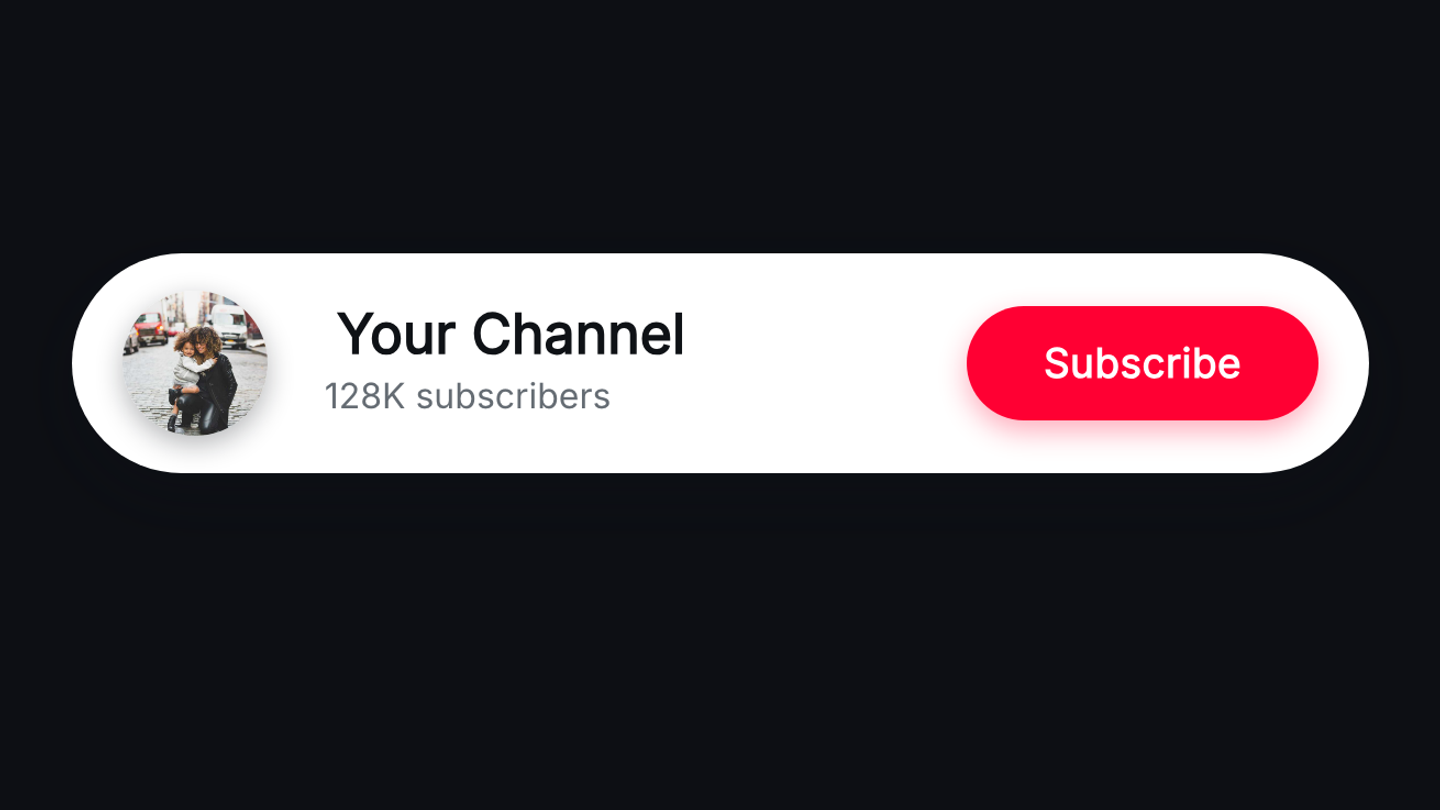
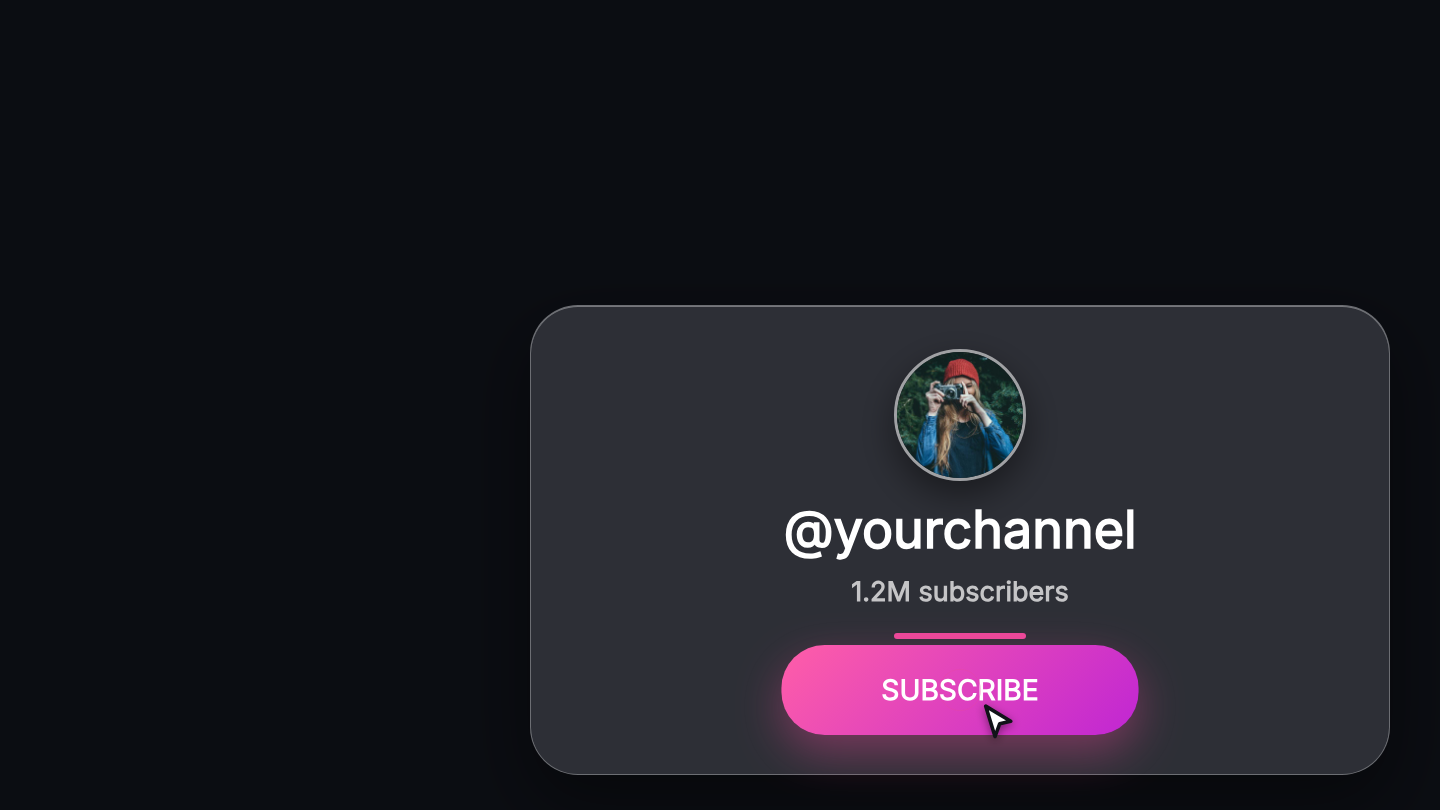
A new subscribe template: your avatar, name and handle on one glass bar, a button that turns to Subscribed, and a cursor that rings the bell after it.
 Product
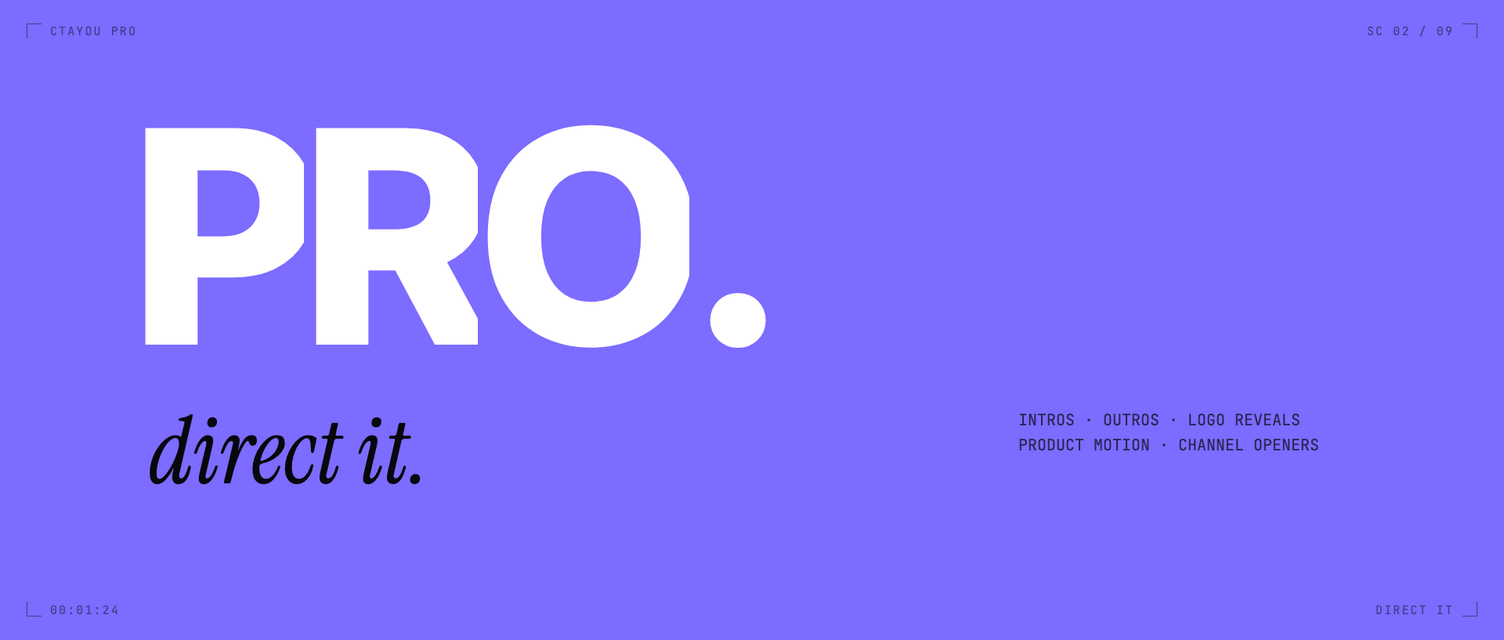
Coming soon: Pro, three intros from your channel
What we are building next: paste your YouTube channel, and Pro reads it and makes three intros in your own style — in 3D, in every format, in about 30 minutes.
 Product
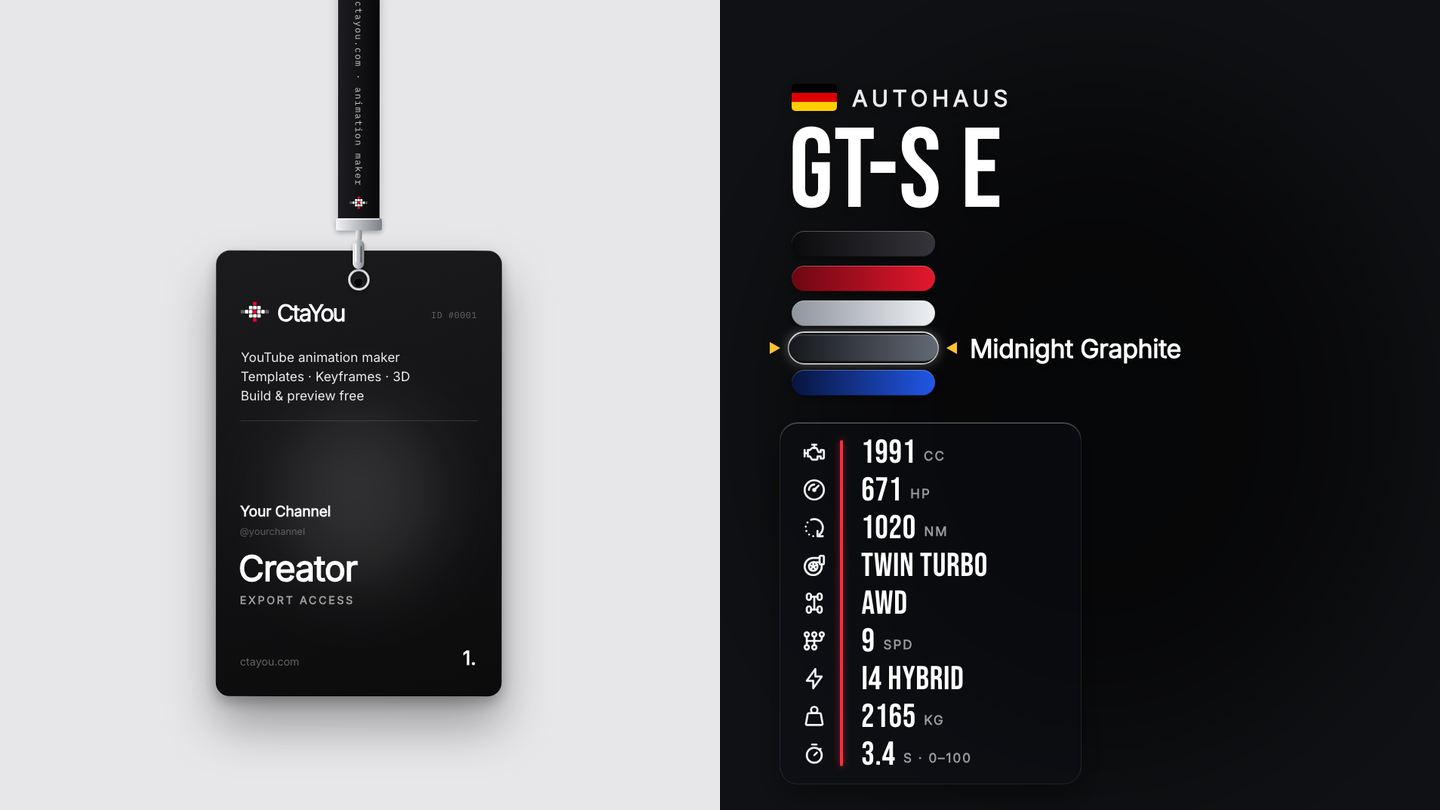
A pass that turns over, and specs that count
Two new overlays: a creator pass that swings on its strap and turns over to a QR code, and a car spec card whose figures count up as they arrive.
 Product
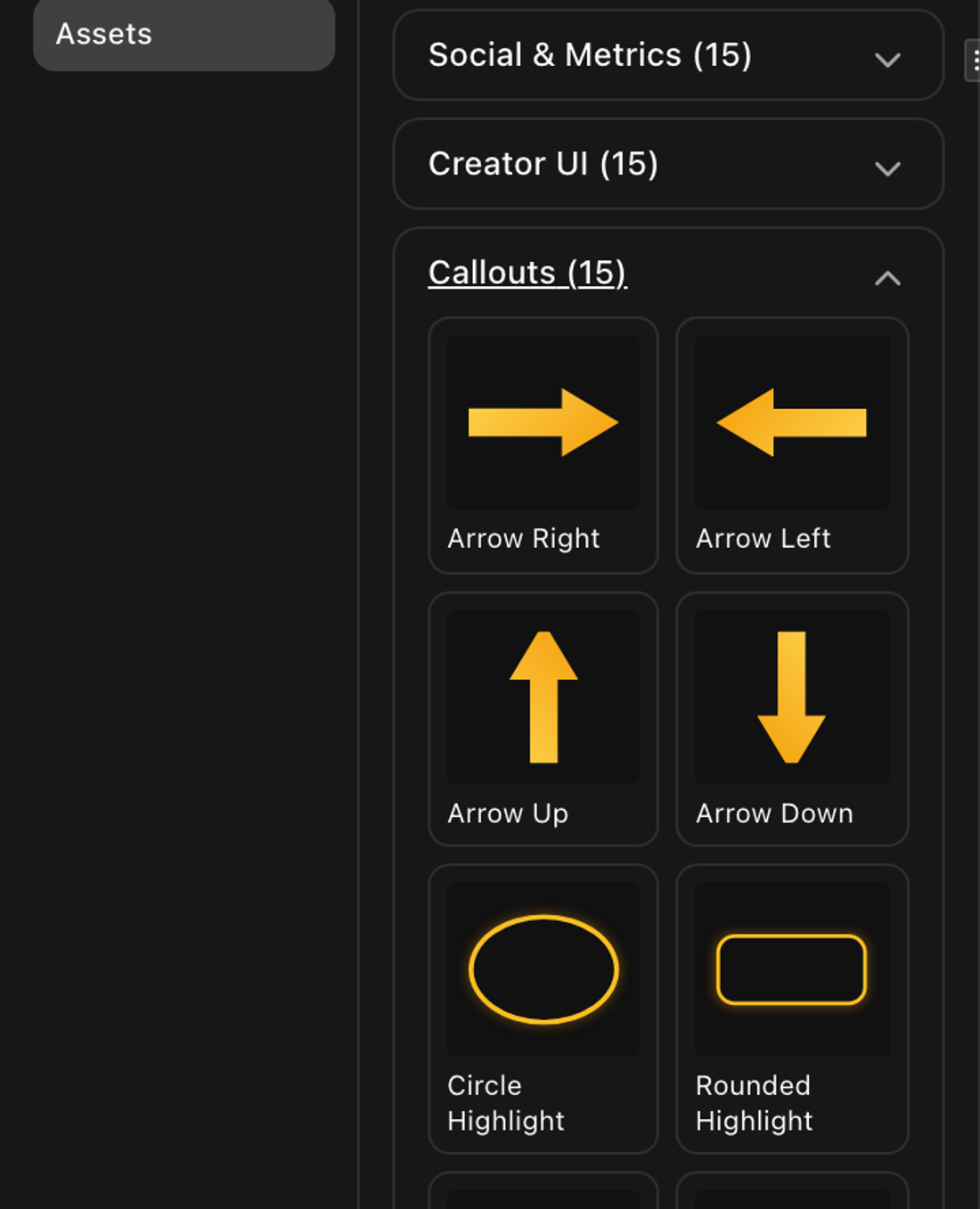
The shelves show what they hold
The asset cards drew sketches of their assets, the sounds were generated tones, and a callout named Arrow held no arrow. All three are the thing itself now.
 Product
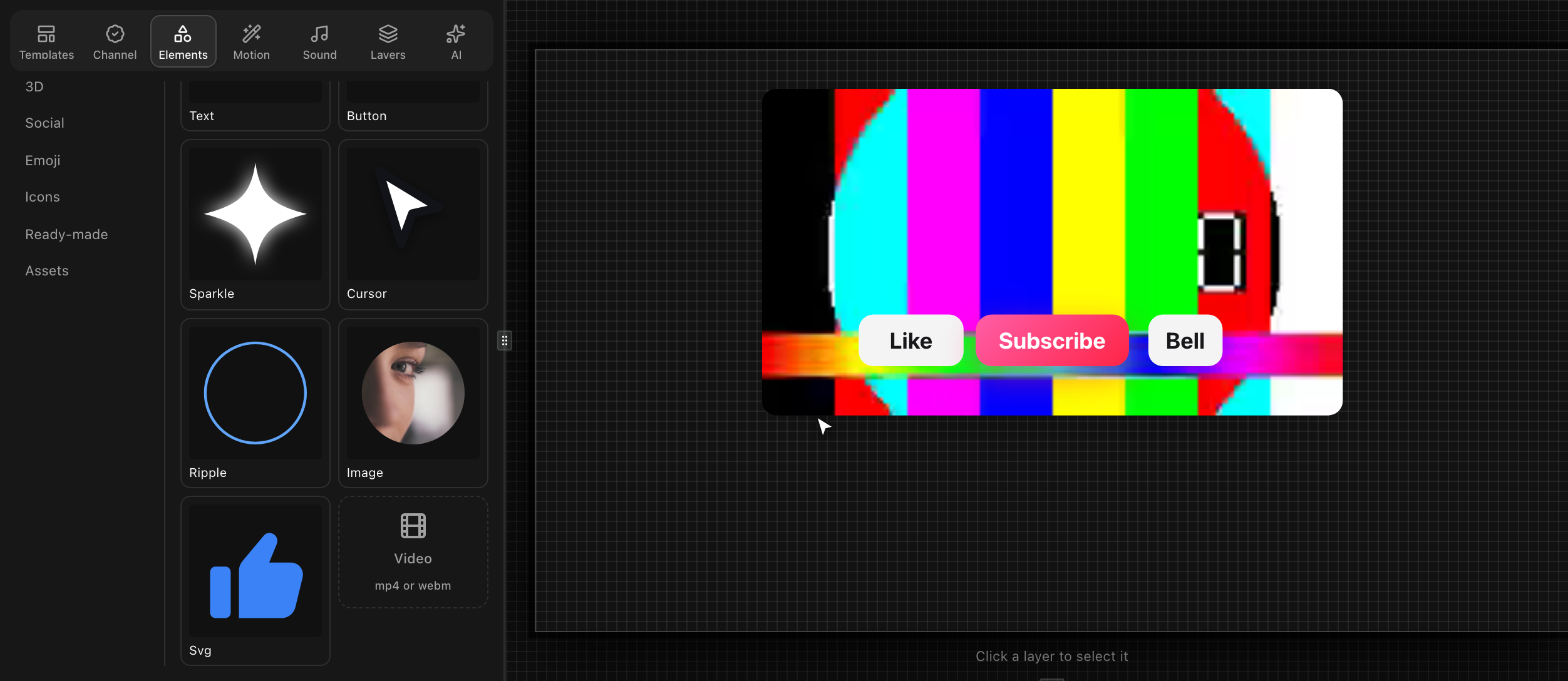
A video can be a layer now
The editor could export video and never contain one. A clip is a layer now — uploaded, drawn, seeked frame by frame, and composited into the file you download.
 Product
Swapping pictures did nothing, and the keyframes were not why
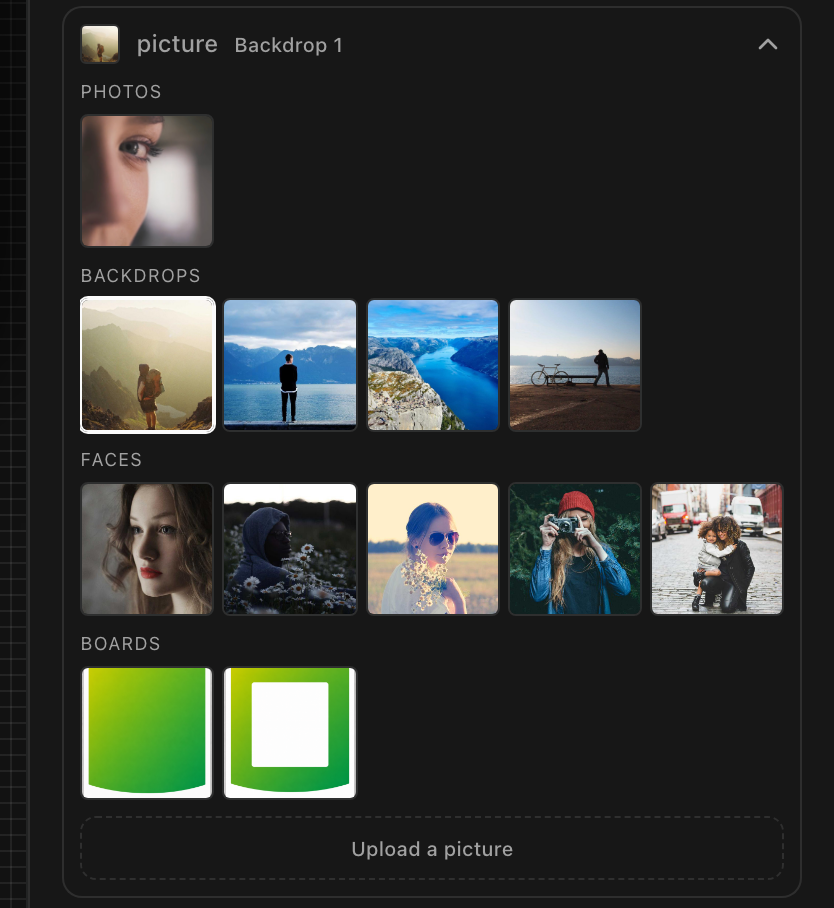
An image layer had no way to be given a different picture, so two keyframes held the same photograph. 12 to pick from now, and a swap you can key.
 Product
Shadows, borders and corners can be animated
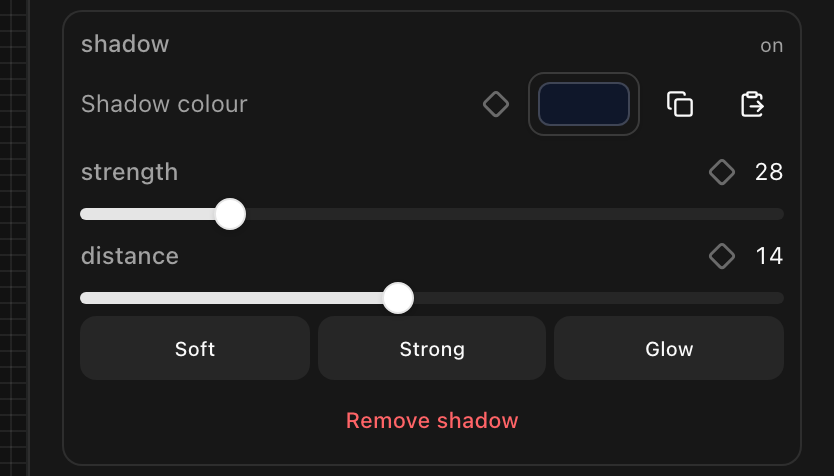
A shadow could be set but not keyed: the slider sent the whole shadow and nothing unpacked it. Shadow, border and corner radius now animate, a diamond each.
 Product
Six properties had words, and thirty-seven did not
The timeline called a shadow fading, a corner rounding and thirty 3D properties by one word: Changes. Every property now has a name and a verb, from one table.
 Product
What one project can hold, and what happens at the wall
A project is one document, and a document holds a mebibyte. Nothing measured it, so a project could grow past the wall and then fail every save after that.
 Product
The time in the unit the piece is measured in
The transport read 00:00:02:07 on a six-second animation — four useful characters out of eleven. It reads 1.59s now, and three broken routes are mended.
 Guide
GuideThe graphics a channel needs, and the ones it already has too many of
A library of 372 templates, counted by what they ask for rather than what they look like: where the real gaps were, and the twenty-two built to close them.
 Guide
GuideEnd screens: what fits, how long, and what your outro has to leave clear
YouTube needs 25 seconds of video, puts its elements over the last 20, and allows four of them. What that means for the outro you draw underneath.
 Guide
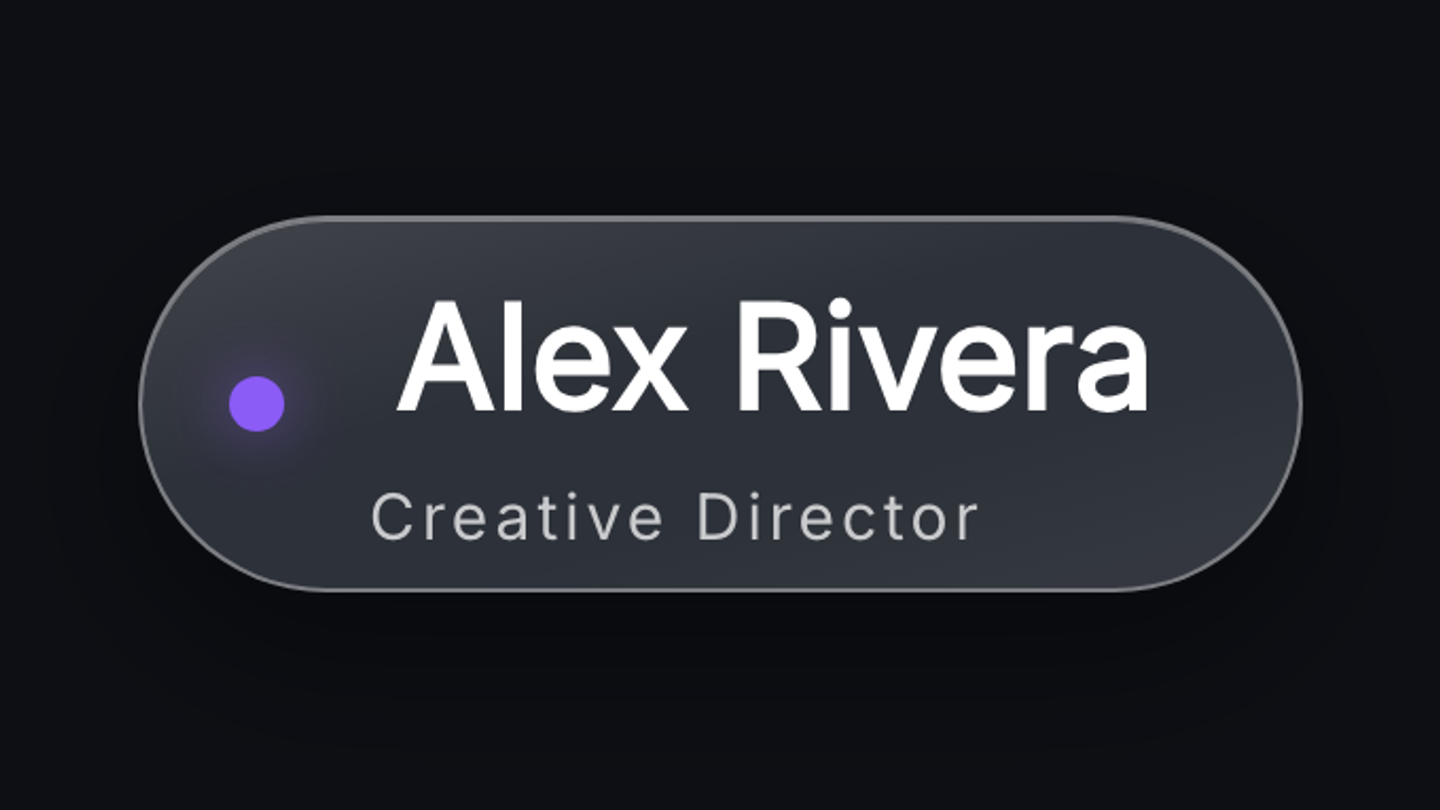
GuideHow to make a lower third that reads
Where it sits, how long it holds, how much it should say, and the three mistakes that make one look amateur even when the design is good.
 Guide
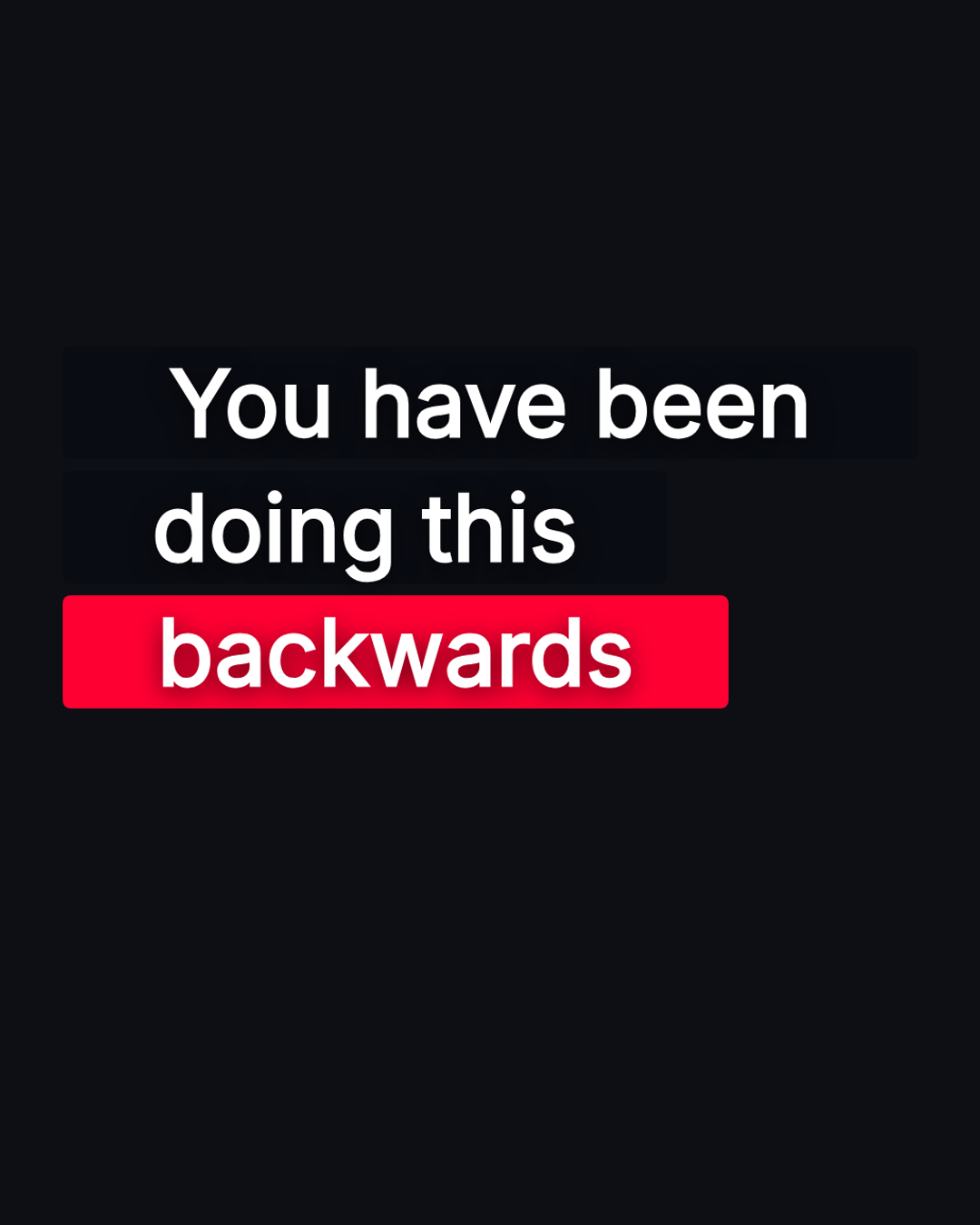
GuideGraphics for Shorts: the column you actually have
A vertical frame is 1080×1920 and you do not get all of it. What the platform takes along each edge, and how to build a graphic that survives it.
 Guide
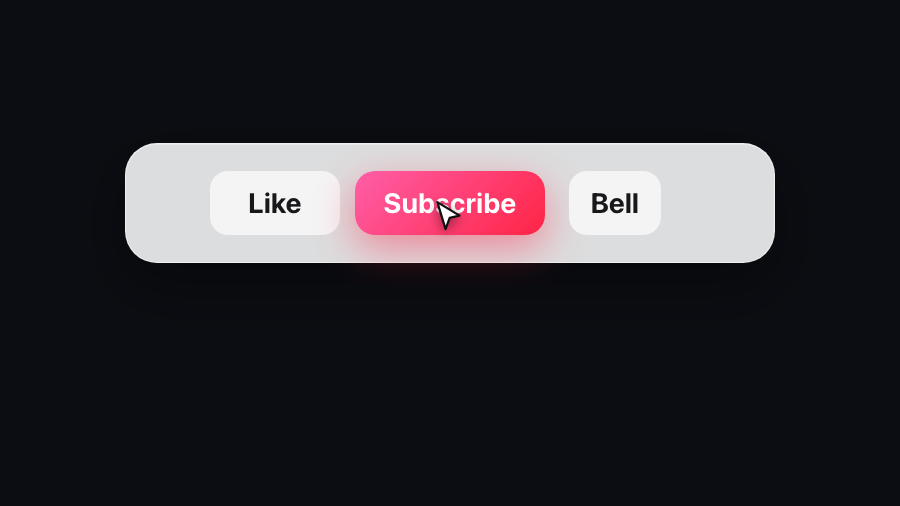
GuideYouTube CTA: Examples, Types and Best Placement
The six YouTube CTA types worth making, what each one asks for, where it belongs in the video, and how to build one as an overlay graphic.
 Product
Four things the export engine was doing wrong
A loop drew every frame twice. A 3D layer came out unlit in the tab. A travelling material rebuilt the model on every frame. And the renderer was starved.
 Product
3D materials that travel
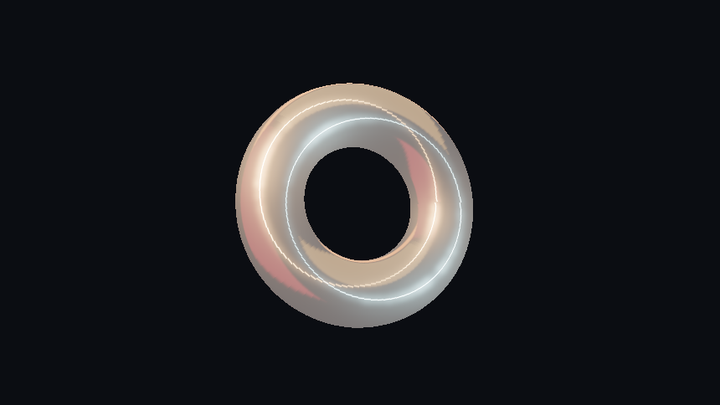
Keying a 3D material from gold to chrome rendered the same pixels at both ends. It travels now — colour, metalness and roughness, across the interval you set.
 Product
Captions that light one word at a time
Eleven templates: six kinetic captions on a new highlight effect, five reaction overlays. And the effect's two colours are now yours to pick.
 Product
Glass that knows its own shape
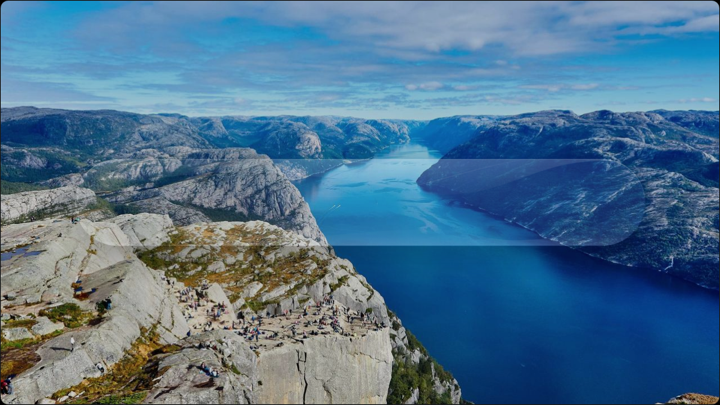
The old glass bent what was behind it along two axes, so a rounded end sheared instead of wrapping. A distance field knows the shape, and the middle bends.
 Product
Sixty frames a second, and a timeline you can actually read
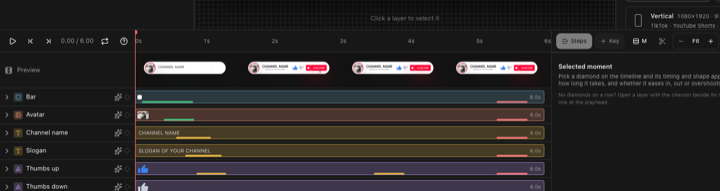
Playback ran at half the frame rate because a lookup walked 312 templates. Fixed, with a preview strip you can read and a colour row that shows the colour.
 Guide
GuideMaking a subscribe animation without After Effects
What After Effects is genuinely better at, what a subscribe animation actually needs, and how to build one in a browser and still use it anywhere.
 Guide
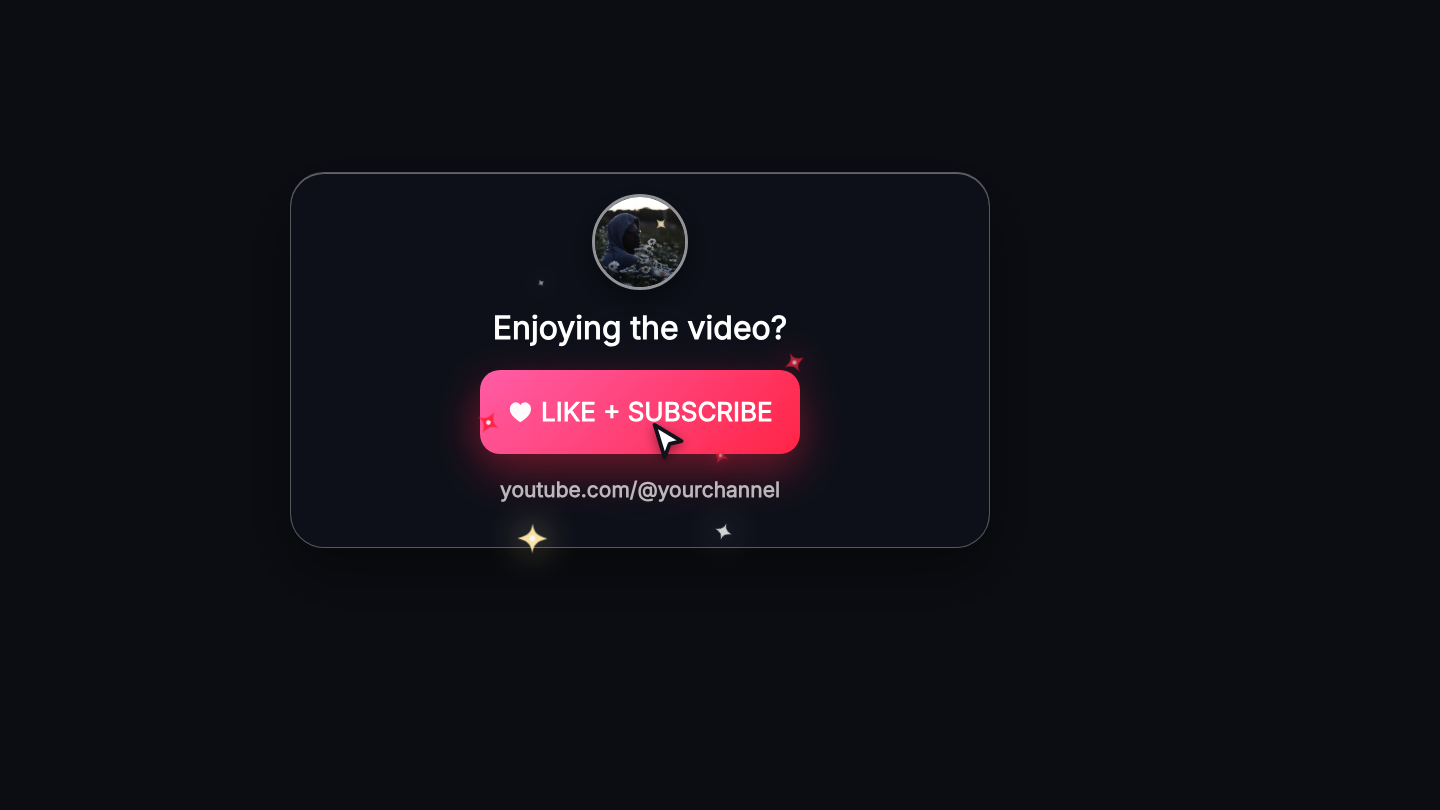
GuideUsing a green screen overlay in your editor
Why some editors get a green file instead of a transparent one, the setting that removes it, and what to do about the green edge it leaves behind.
 Product
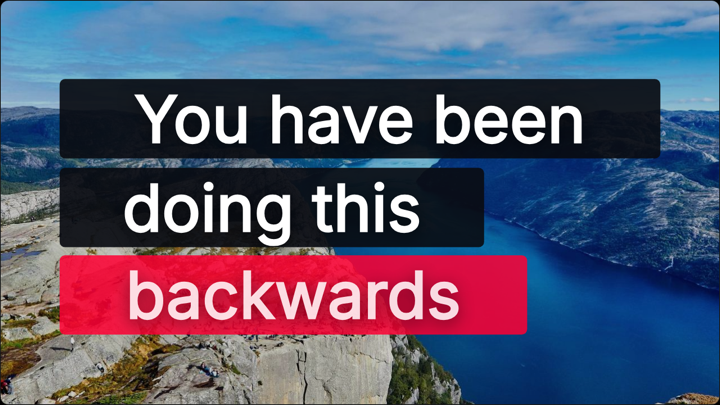
Forty more: vertical Shorts, a live stream kit, real 3D — and ten bells
The library was 96% landscape on a platform where vertical is the default. Forty templates later that is fixed, plus a stream kit and a 3D shelf.
 Product
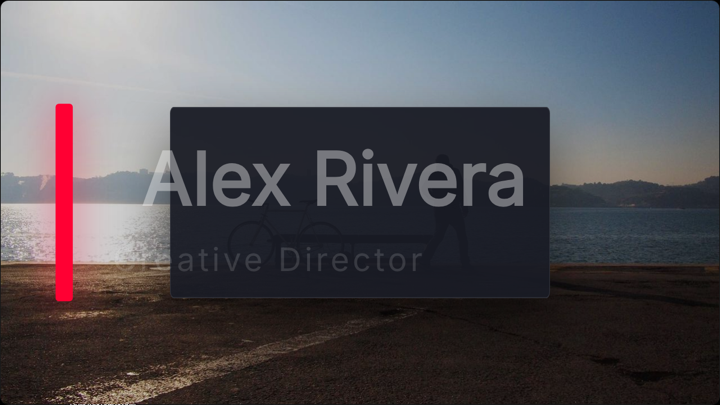
Fifty new templates: end screens, timers, title cards and logo reveals
The library goes from 165 to 215. Two new shelves, four filled out, every one editable down to the keyframe. What was missing, and how it was checked.
 Guide
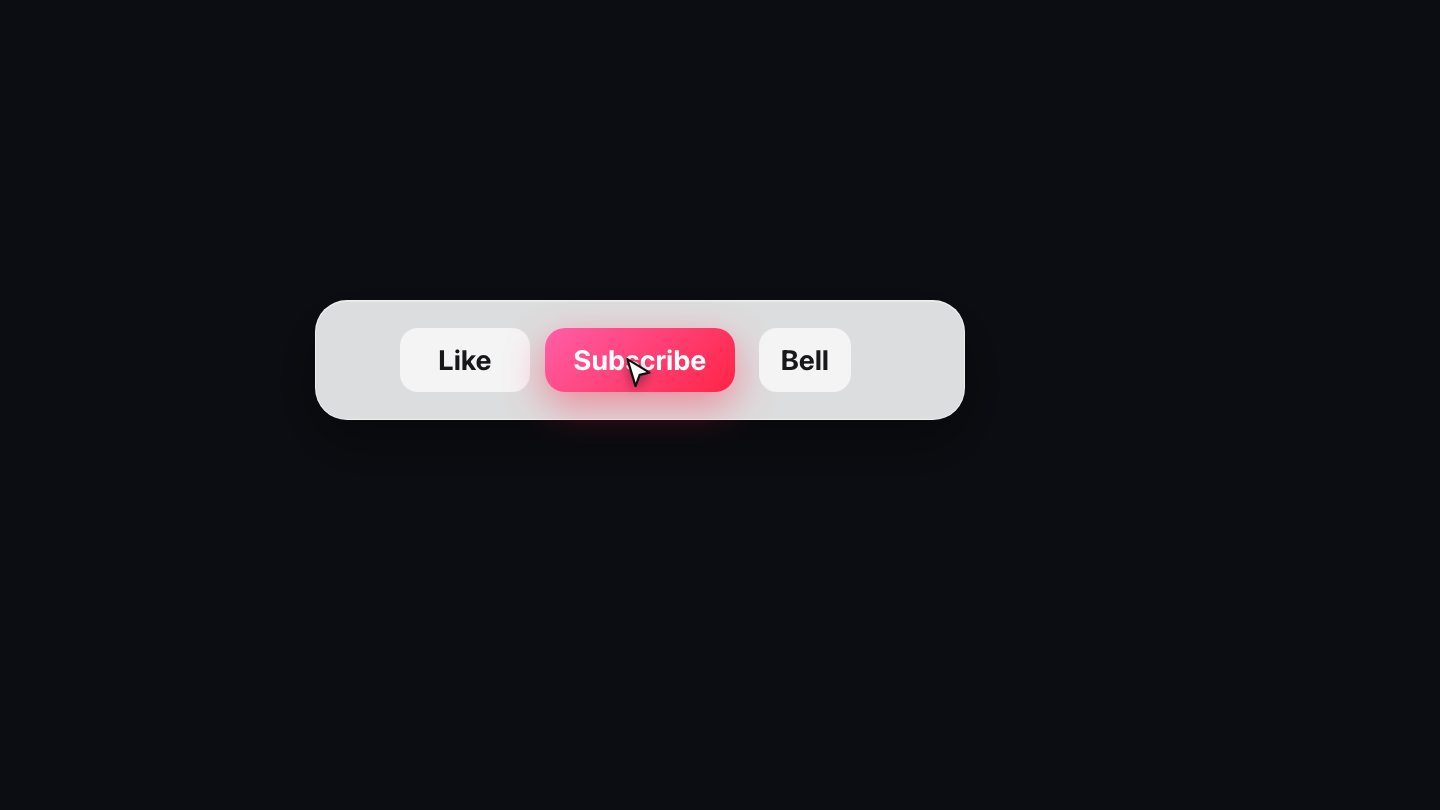
GuideGetting started: from a template to a file on your timeline
The whole path in five steps: pick a design, put your channel on it, change what you want, export for your editor, drop it on your video.
 Guide
GuideHow the editor is laid out
What each panel is for, where a layer's properties live, and what the timeline along the bottom is showing you.
 Guide
GuideMaking a template your own
What to change first, how to match your channel's colours, when to touch the timing, and what to leave alone.
 Guide
GuideTransparent video for YouTube: which format works where
Why MP4 cannot carry transparency, what ProRes 4444, WebM and a PNG sequence each do, and which one your editor actually reads.
 Guide
GuideHow to add a subscribe animation to a YouTube video
Where a subscribe prompt belongs in a video, how long it should stay, and how to get one onto your timeline in your own editor.
 Guide
GuideSizes and safe areas for YouTube graphics
What resolution to build at, where the player draws its own controls, and what to leave clear for YouTube's end screen elements.
 Product
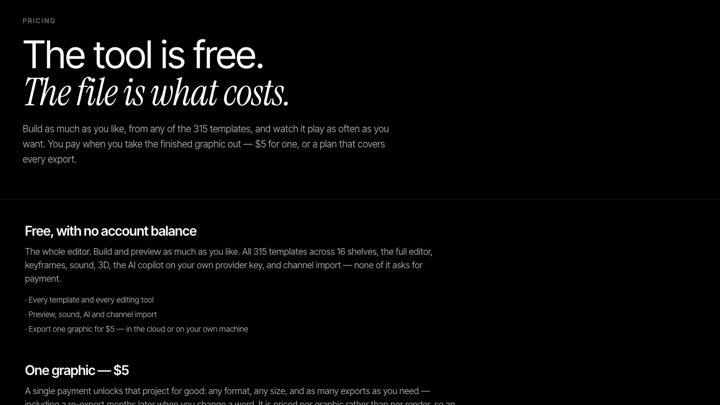
Pricing is now in dollars
One graphic is $5, Creator is $15 a month and Studio $35. What that means if you were paying in kronor, and what the checkout adds: nothing.
 Product
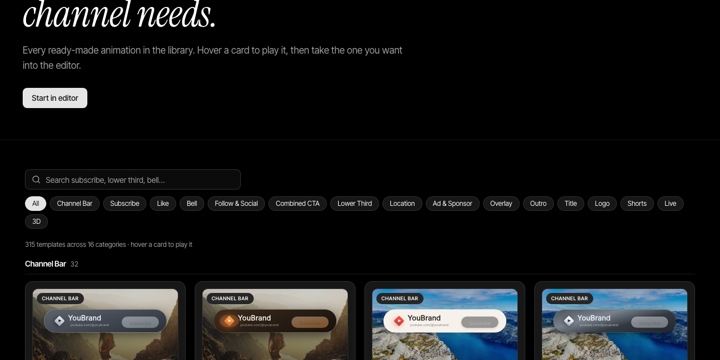
The template library now runs at sixty frames a second on a phone
Three templates ran live 3D scenes inside gallery cards, and two refracted their backdrops through an SVG filter. What it cost, and how it was found.
 Product
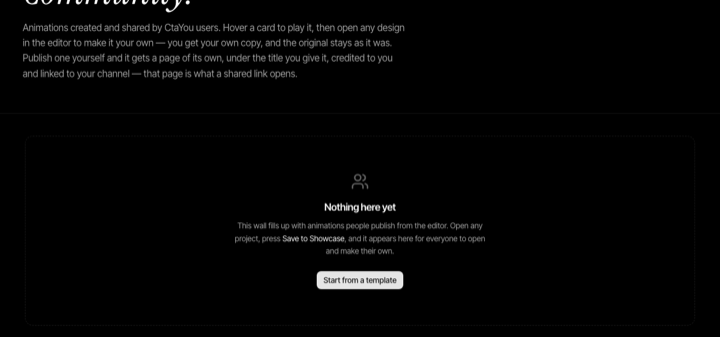
Every published animation now has a page of its own
Publish to the showcase and your animation gets its own address, the title you choose, your name and a link to your channel — the page a shared link opens.
What gets written about here
- Guide · 17
- How to do the thing, start to finish.
- Product · 27
- What changed in the editor, the library and the exports.
Following along is easier with the feed.