End screens: what fits, how long, and what your outro has to leave clear
An end screen is the only part of a video where YouTube draws on top of your work by design, in places you chose, at a size you cannot change. An outro built without knowing where those cards land is an outro with a card on top of it.
The three rules, before anything else
A video has to be at least 25 seconds long before YouTube will let you add an end screen at all. Shorter than that and the option is simply not there.
The elements can be placed anywhere in the final 5 to 20 seconds. Twenty is the maximum window, not a recommendation — most channels use ten to fifteen, and the elements do not all have to appear at the same moment.
Four elements maximum on a standard 16:9 video, and one of them must be a video or playlist. The others can be a subscribe badge, another channel, or an approved link. Four is a ceiling and rarely the right number: two large clickable thumbnails are easier to hit on a phone than four small ones.
Where the cards actually land
You place them, so there is no fixed position to design around — but there is a strong convention, and viewers have learned it. Clickable video thumbnails sit on the right or across the middle, because that is where they have sat on every channel for years. The round subscribe badge sits lower and to one side.
Which means an outro graphic should hold its own content where the cards are not. In practice that is the left half and the lower band: your channel mark, your handle, and whatever you are asking for. Anything you put in the middle-right is competing with a thumbnail somebody is about to click.
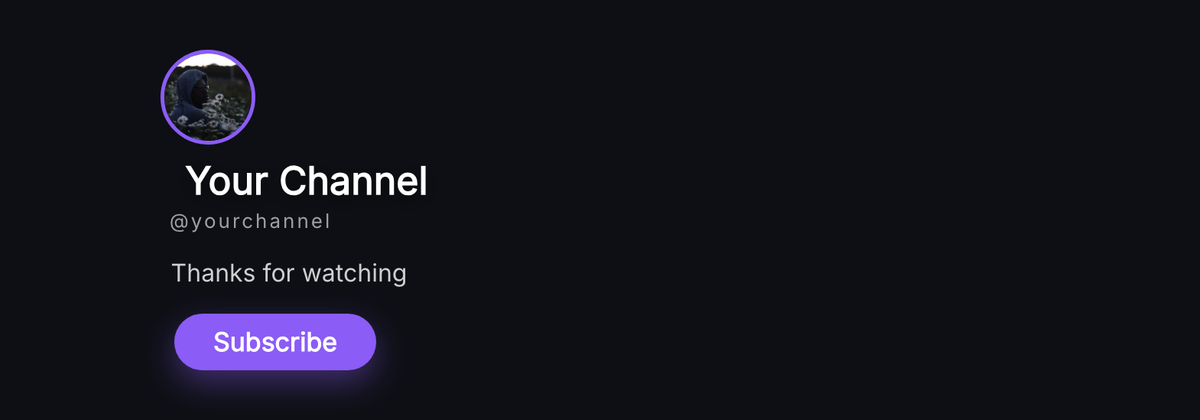
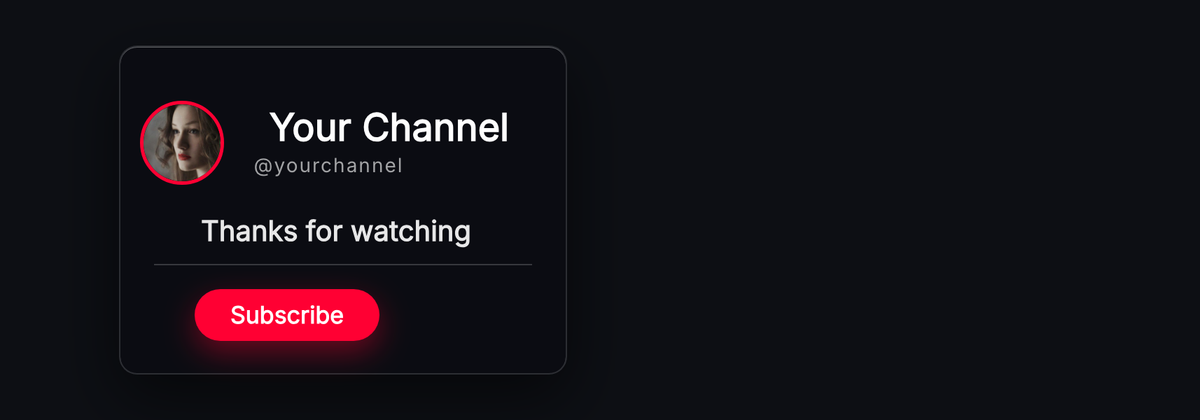
The templates on the outro shelf are built this way. Corner Stack keeps everything in one corner and leaves three quarters of the frame open. Split End Card divides the frame deliberately so one half is yours and the other is theirs. Centred Sign-off is the exception and is meant for videos with no end screen elements at all.
How long the graphic itself should last
At least as long as the end screen window it shares. An outro that plays for six seconds under a fifteen-second end screen leaves nine seconds of bare video with YouTube's cards floating on nothing — which looks like a mistake, because it is one.
The other direction matters too. If your outro animates in over two seconds and you start it at the same moment the end screen elements appear, the first two seconds of that window are spent watching your graphic arrive rather than reading it. Start the graphic slightly before the elements do.
A practical shape: a twenty-second end screen window, an outro graphic that enters at second one and holds until the video ends, and the clickable elements appearing a second or two after that. Nothing arrives at the same time as anything else.
What this means for the file you export
The outro is usually the one graphic that does not need transparency, because it often covers the whole frame — a solid background is fine and an MP4 is enough. If your outro sits over your own footage, you are back to needing a transparent export, and the format your editor reads is the deciding factor.
Build it at the resolution you edit at. An outro is mostly type, and type drawn as shapes scales without softening, so building at 1920×1080 and exporting at 4K costs nothing.
Keep the safe zone overlay on while you position it. It draws the band the player controls cover, the corner YouTube's own subscribe watermark takes, and the area worth leaving clear — which is exactly the information an end screen makes expensive to get wrong.
Questions
- How long does a video have to be to add an end screen?
- 25 seconds. Below that YouTube does not offer end screens at all, which catches people out on short videos where an outro would otherwise make sense.
- How many end screen elements can I add?
- Four on a standard 16:9 video, and at least one has to be a video or playlist. Four is the maximum rather than the target — two large thumbnails are easier to tap than four small ones.
- How long should a YouTube outro be?
- At least as long as the end screen window it shares, which can be up to 20 seconds. An outro that finishes before the clickable cards disappear leaves those cards sitting on bare video.
- Where should I put my logo so the end screen does not cover it?
- The left side or the lower band. Clickable thumbnails conventionally sit on the right and across the middle, so anything of yours placed there is competing with something a viewer is about to click.
- Can I use an end screen on a Short?
- No. End screen elements are for standard videos; Shorts have their own surface and their own furniture. A vertical outro still works as a graphic, it just has no clickable cards to leave room for.